Customer portal:

RESOURCES

Screenshot signup

VIDEOS

Playlist

9 Videos

FAQ

Once the billing and payment process is complete, the EDGE team will provide instructions for creating an account on our Customer Portal. With the portal registration complete, installers will be available for download and additional instructions will be provided.

Some customers choose to limit access to the Admin tab on the EDGE ribbon for some roles within their workflow. The _Admin.msi installer provides for complete usage of the EDGE^R product while the _Standard.msi installer disables the Admin tab and some additional settings.

Yes, you can import AutoCAD files (like DWG files) into Revit for precast concrete projects. Once imported, you can use the Bulk Family Updater tool to add data attributes used by EDGE tools to expand your BIM.

Revit supports a wide range of industry standards and file formats, including: Revit native formats: RVT, RFA, RTE, RFT. CAD formats: DGN, DWF, DWG, DXF, IFC, SAT, and SKP. Image formats: BMP, PNG, JPG, JPEG, and TIF.

EDGE^R specifically is not cloud based. The only component that is cloud based is the licensing utility. If you are using EDGE^R in conjunction with Autodesk BIM360 or Construction Cloud, then the Revit data would be stored in the cloud, but this is not EDGE^R specific.

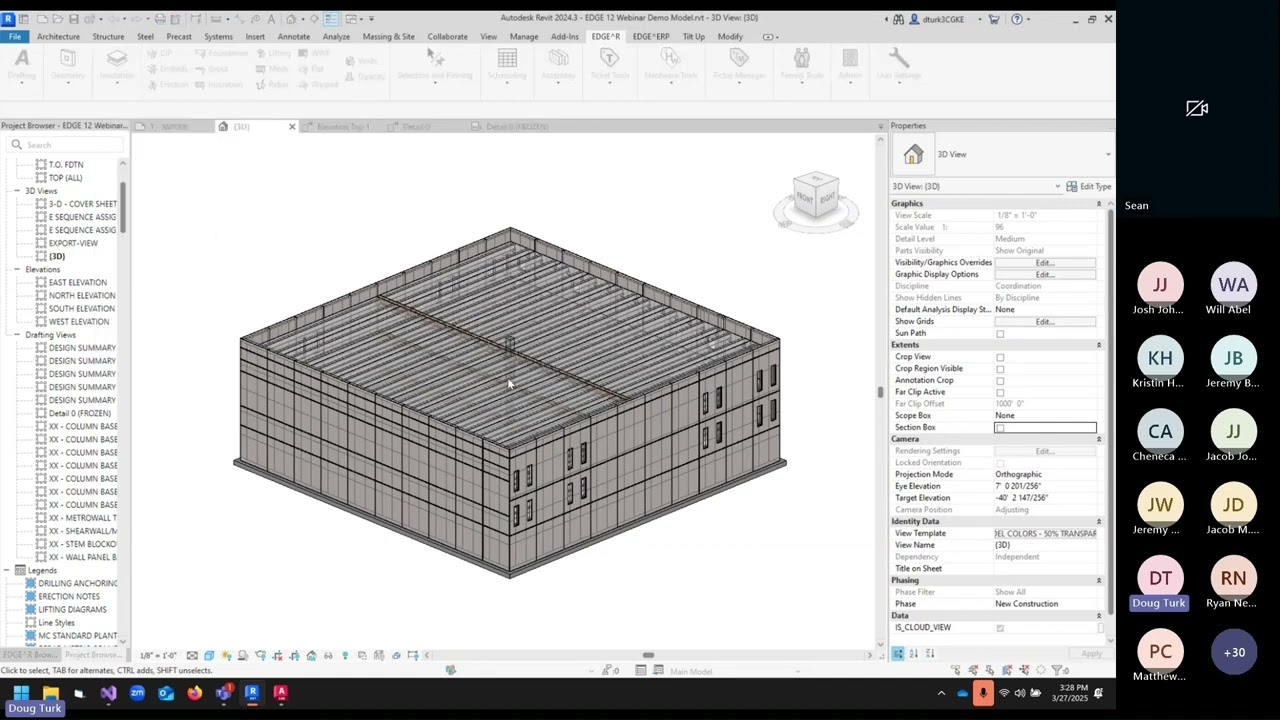
EDGE Software provides a comprehensive one week long live virtual training workshop for its users. The models utilized in the training are provided each day along with the class recording. We are also in the process of making previous recorded training available to all our customers.

At this time, we do not offer a free trial of EDGE. However, we do collaborate on a limited duration Proof of Concept (PoC) that allows you to try EDGE in your environment. Contact us to learn more.

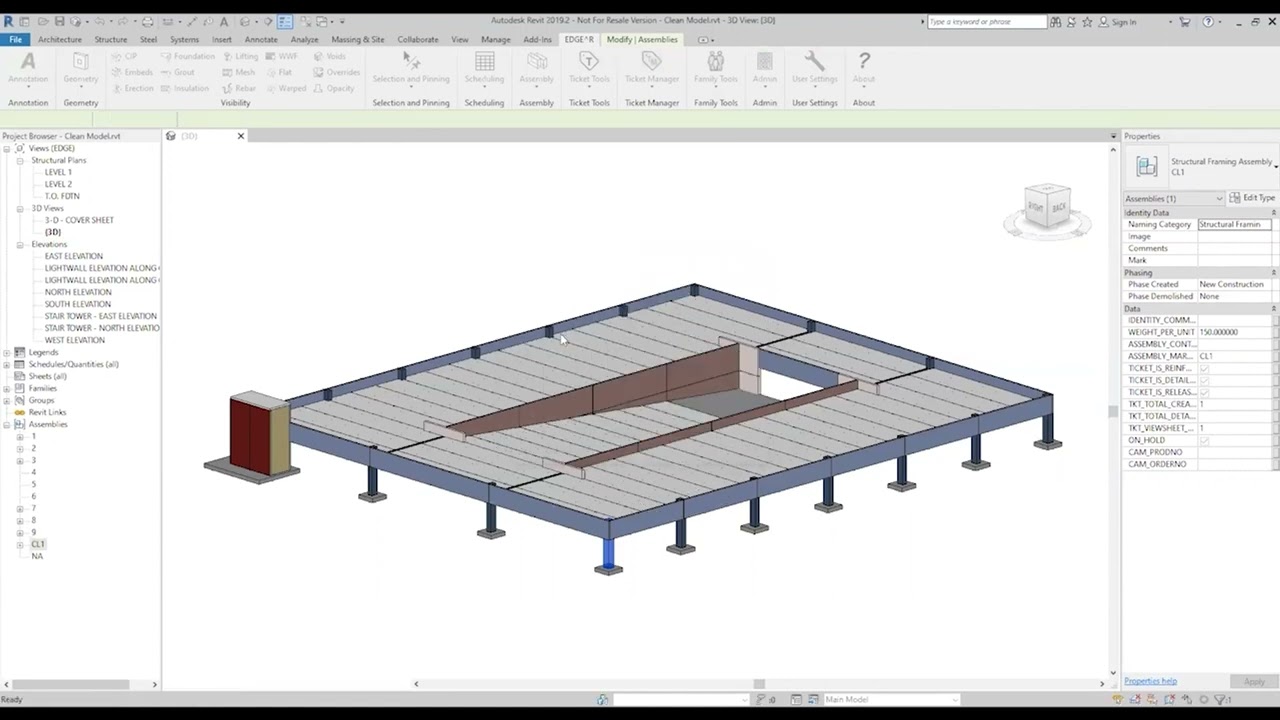
EDGE provides a comprehensive and robust set of tools for creating precast assemblies with reinforcement which can be copied to similar elements in your model.

The number one platform for structural engineers is Autodesk Revit. For precast specialty engineering, many companies use the comprehensive solution called EDGE^R which runs on the Revit platform

EDGE provides a ticket template manager organized by manufacturer so you can easily create shop tickets based on your templates. With our Auto Ticket Generation and Clone Ticket tools you can automatically generate entire sets of shop tickets for assemblies in your model with just a few clikcs.

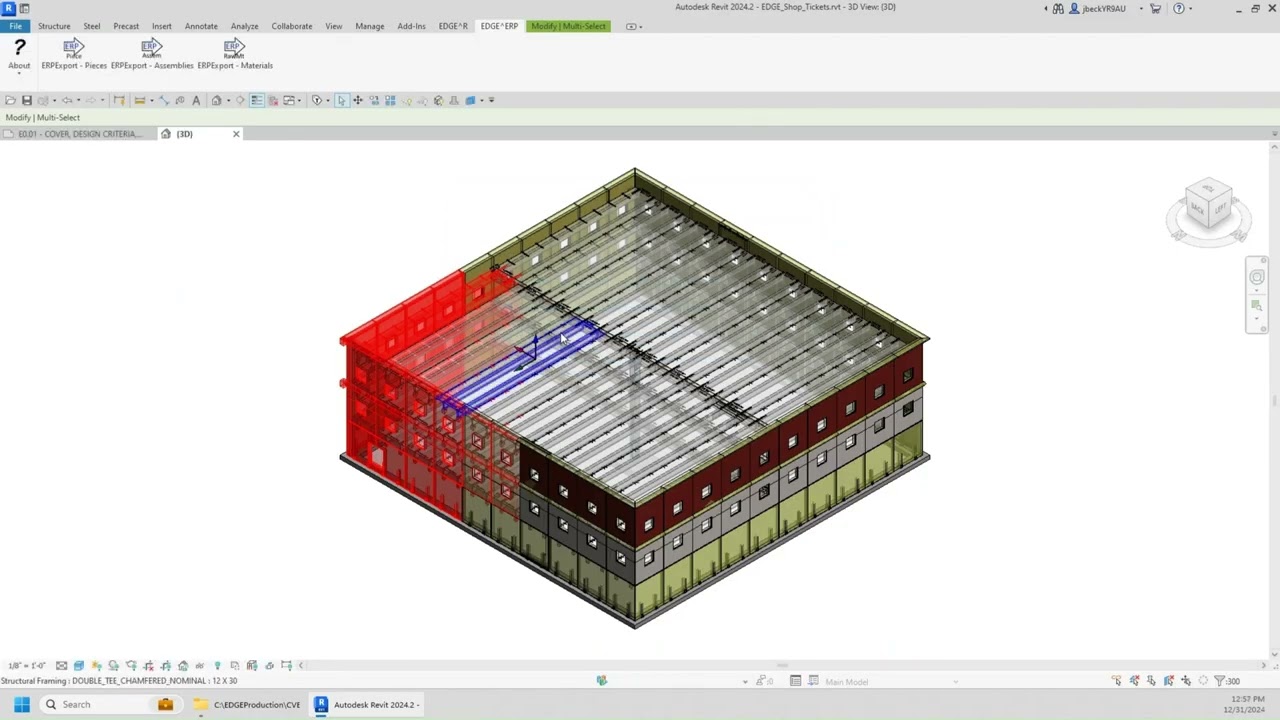
EDGE^CAM can be used to export assemblies to Unitechnik (UXML) and Progress (PXML) CNC formats

o Precast engineering design assist is a collaborative approach that involves precast concrete producers in the design phase of a project to optimize the precast elements and ensure a successful and cost-effective construction process. This early integration allows precasters to leverage their expertise, refine designs, identify potential constructability issues, and provide valuable input on finishes, logistics, and scheduling, ultimately leading to enhanced aesthetics, efficiency, and budget control. Read more here.